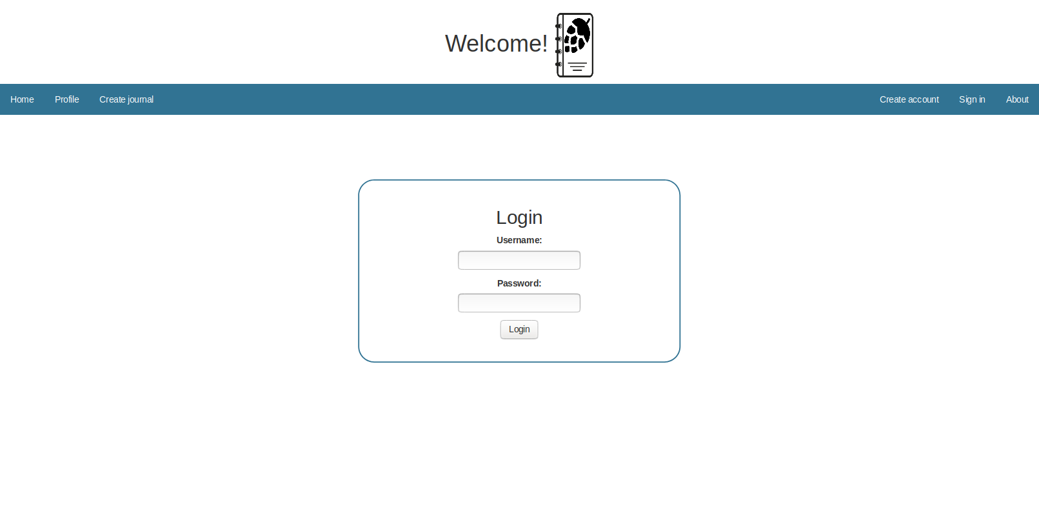
This project uses Python and the Django framework to produce a web application for beer brewers. Being a web application, CSS, HTML, Bootstrap and Javascript are also used. This project allows the users to document every step of the process in order to help improve the quality of each brew. The image above shows the login screen which prompts the user to login. The main menu at the top of the screen displays multiple options such as create account, create journal, profile and home. If the user clicks on create journal or profile, they will be prompted to log in if not already logged in.
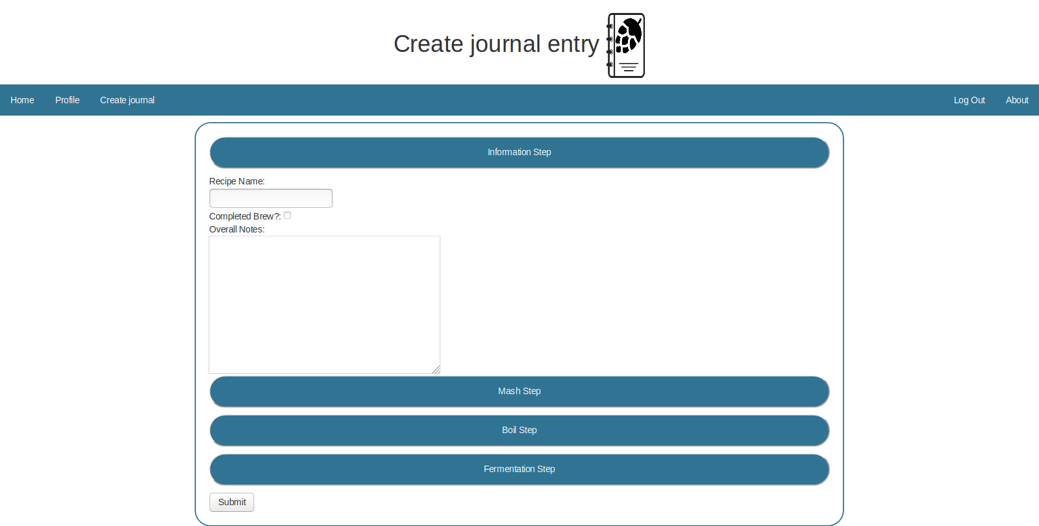
Create Journal Entry Page
The image above shows the screen used to create a journal entry. As you can see, there are four steps in a typical brewing process. The user can click on any of the four options to enter the required information. Once done, the user can click on submit to commit the entry to the database.
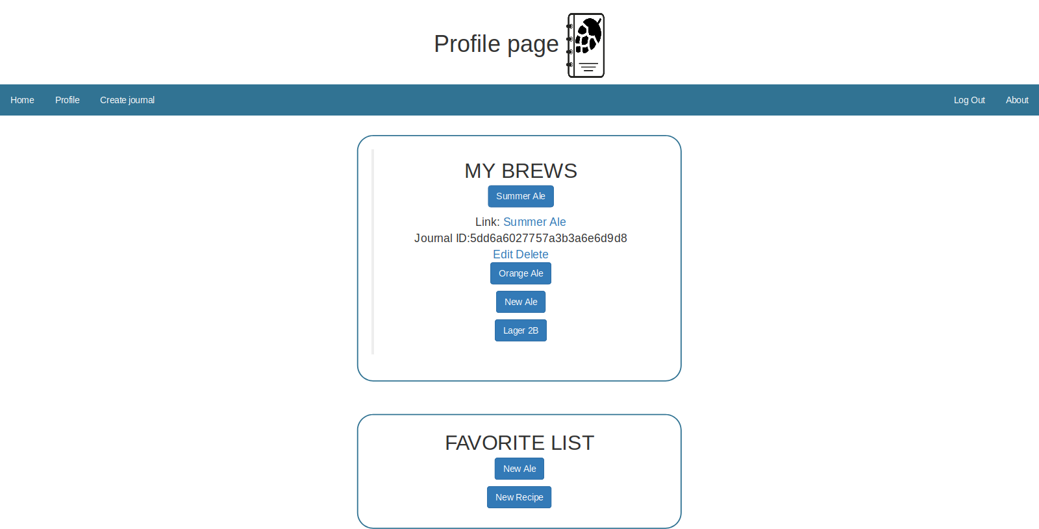
Profile Page
The image above shows the profile page of a user. Under the “My Brews” heading is a list of any entry the user has previously made. If an entry is clicked on, the user is provided a link to view the entry details. The user is also provided options to edit or delete the entry. The favorites list at the bottom of the screen lists any entry that the user has marked as a favorite. This includes any entries made by any user.
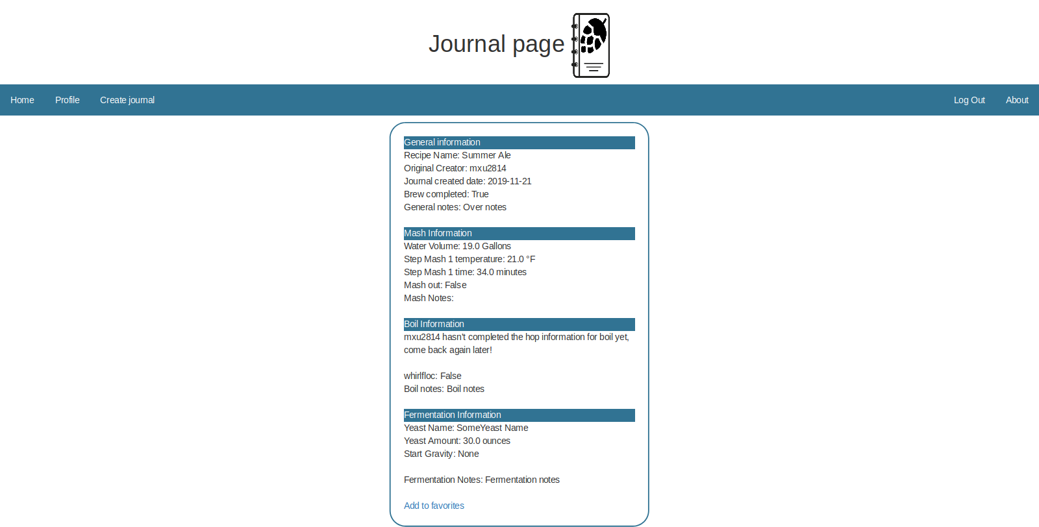
Journal Entry Page
The image above shows the page that displays the details of a journal entry. It lists the data for each step of the brewing process. As you can see above, if the user has not entered data for a particular part of the process because they have not reached that point in the process yet, the user is shown a message saying so. At the bottom is an option for the user to select the entry as a favorite.
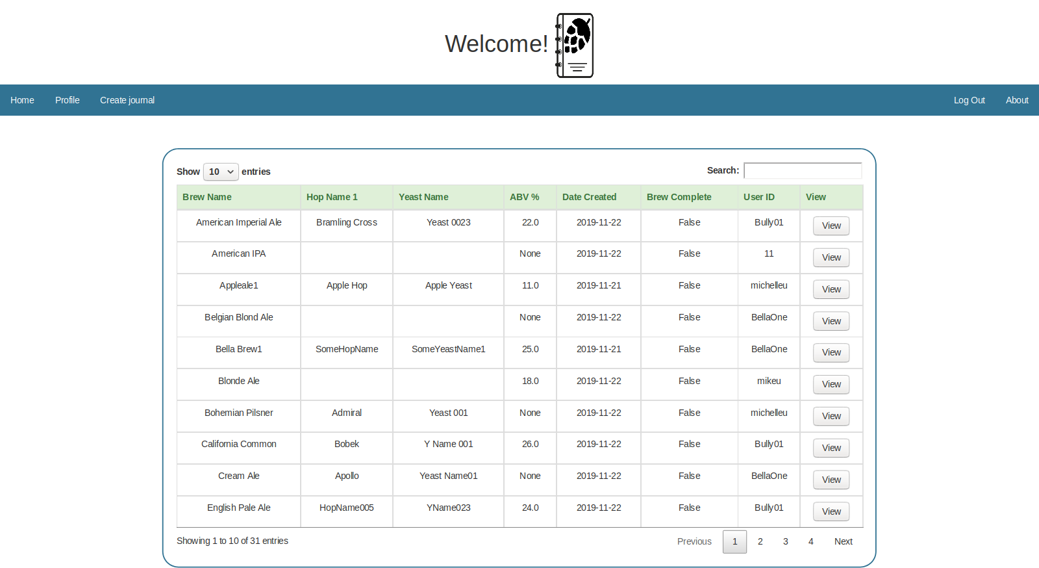
Home Page Screen
The image above shows the home screen for every user. The user is shown a list of entries by all users in datatable form. The search option allows the user to search through the entries by user ID, brew name or anything else. There are also options to show entries 10, 25, 50 or 100 at a time. The bottom at the table shows the pagination options. Clicking on the title of each column also allows the user to sort the entries alphabetically.
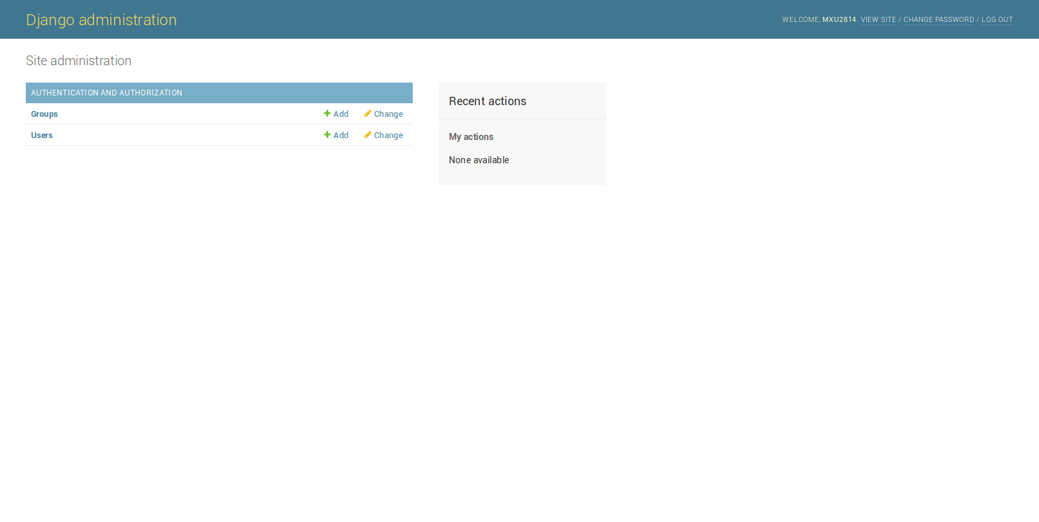
Administration Page
The image above shows the default Django administration page accessible only to admin users. As you can see, it allows the admin to add/modify current users.