This project uses Java Swing create a GUI that simulates the RIP routing distance vector algorithm by reading in data from a text file.
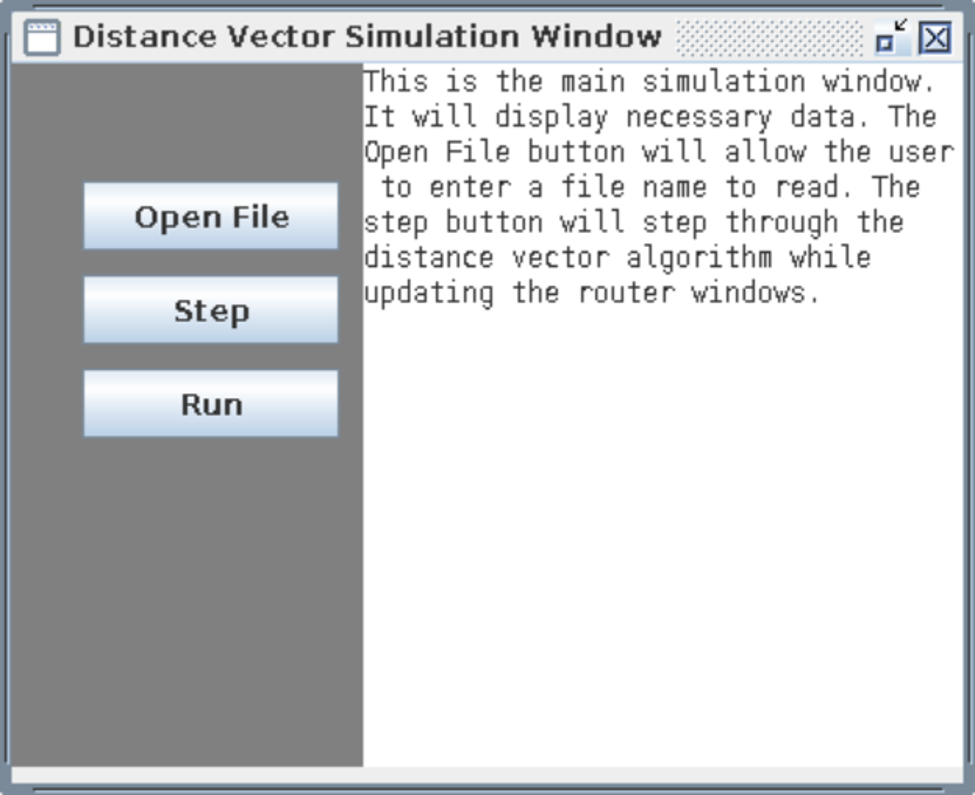
Once run, the first window shows 3 options for the user. The open file button allows the user to enter the name of the input text file to be read. The step button runs the algorithm one step at a time and the run button runs the algorithm until the system of routers is stable.
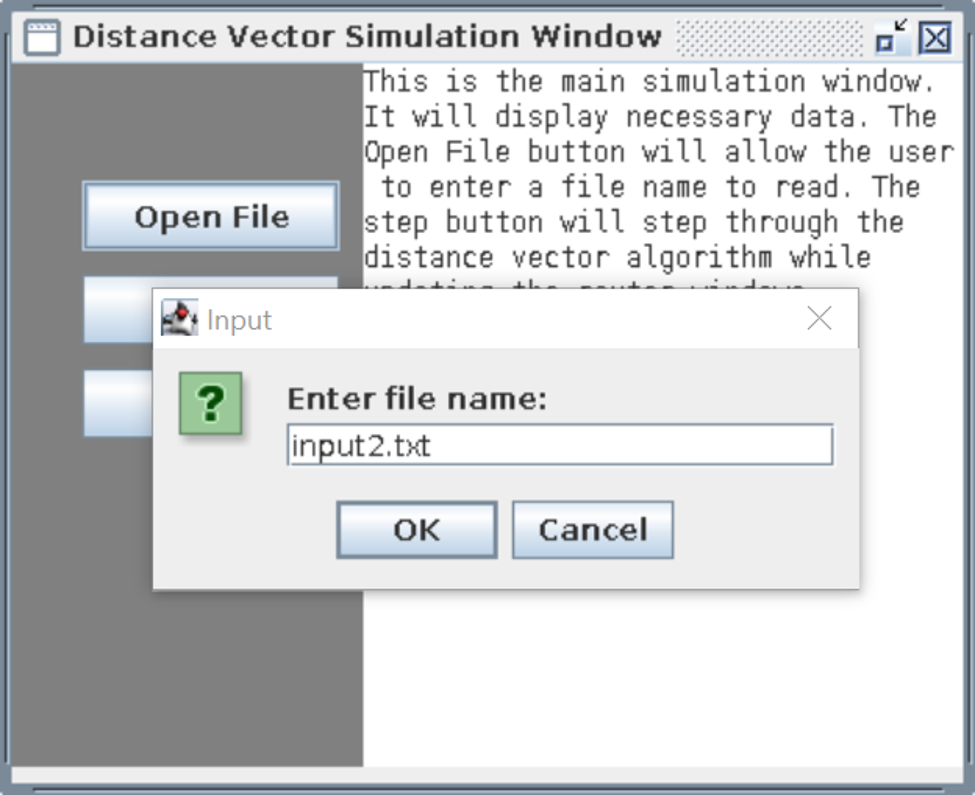
Input file name window
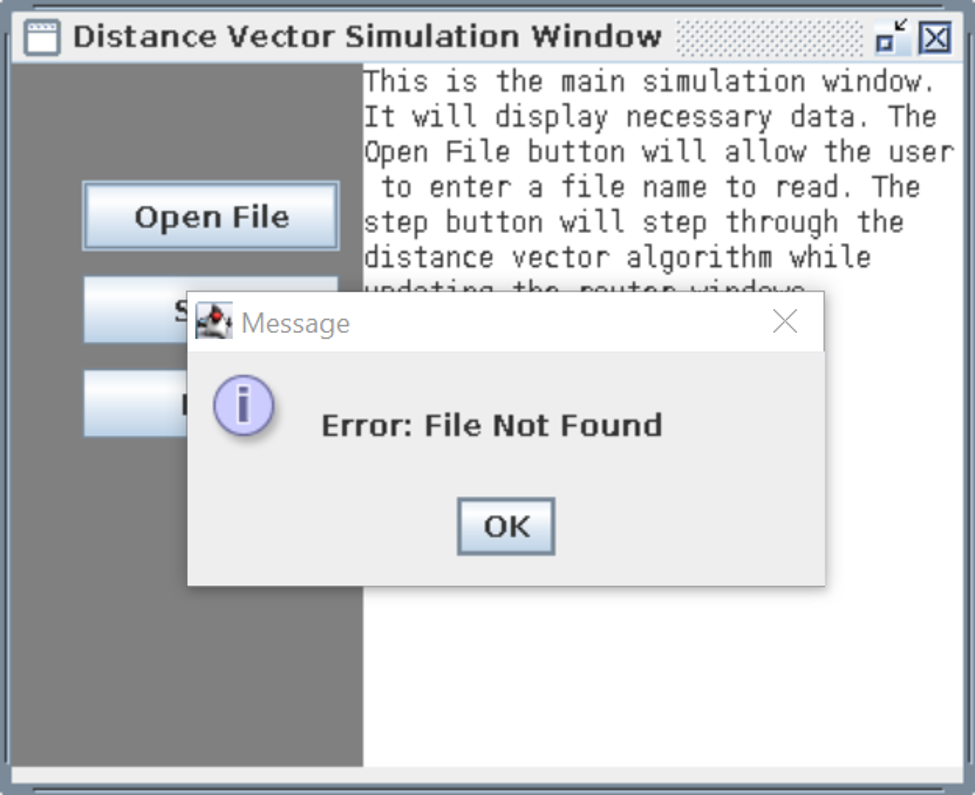
Once the open file button is clicked, the preceeding window appears which allows the user to enter the appropriate file name. If an incorrect file name is given, the user is shown the error message below.
Error Message
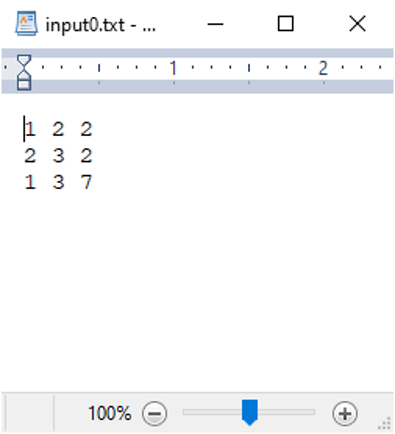
Below is an example of an input file. The file contains 3 colums. The first two columns are the ID’s of two routers and the third column is the distance between the two routers.
Sample Input File
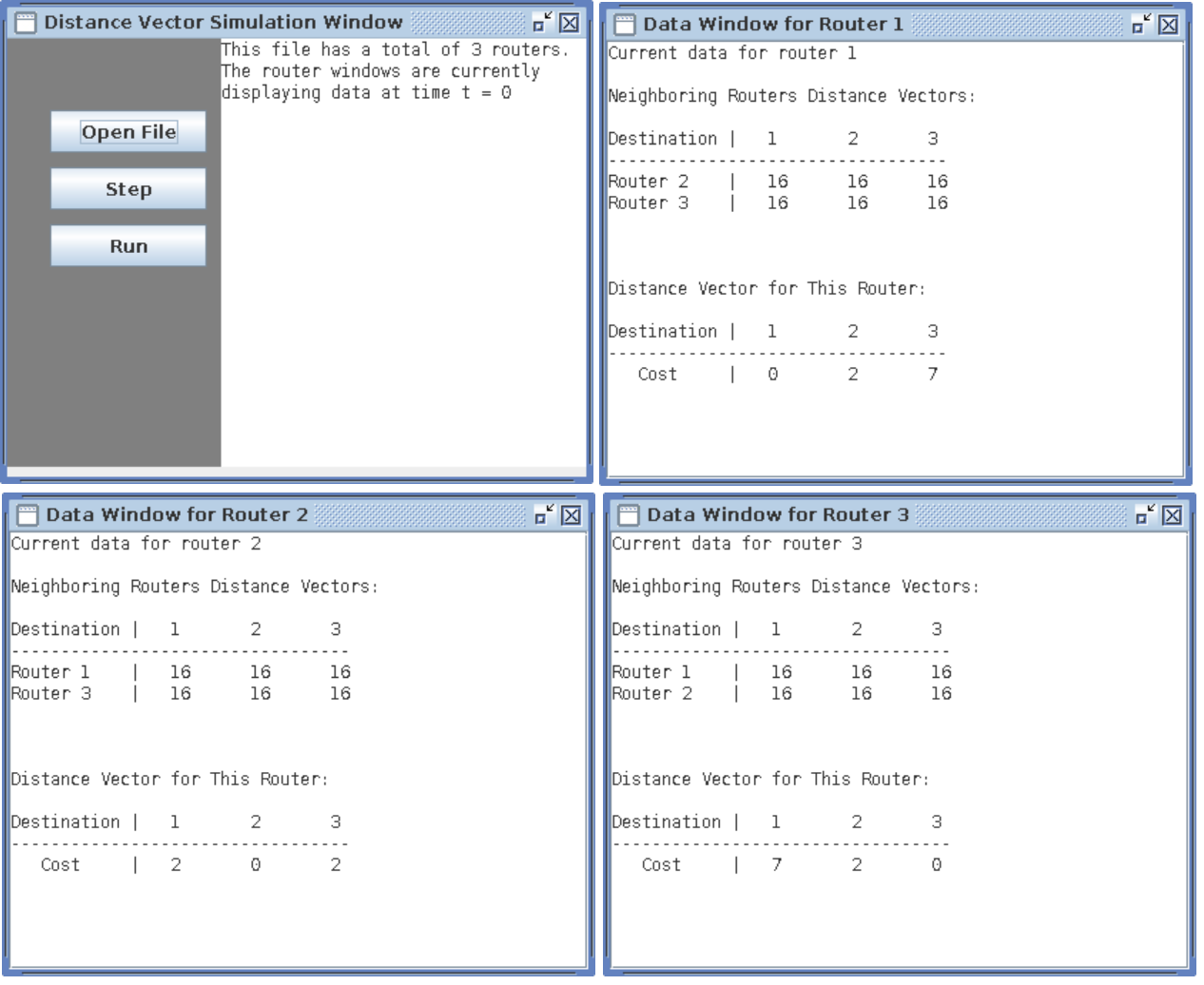
Inital Read of Input File
As the image above shows, once a valid file is given, the program will open a window for each router while also updating the data in the main window. Each router window will display any directly connected routers and the distance vectors for those routers. (16 in this case represents infinity since each router has not received any information from any other routers. Also, the window shows that the distance from each router to itself is zero. The lower portion of the router window shows the distance vector for that router. The main window displays the total number of routers and the t value, which represents time.
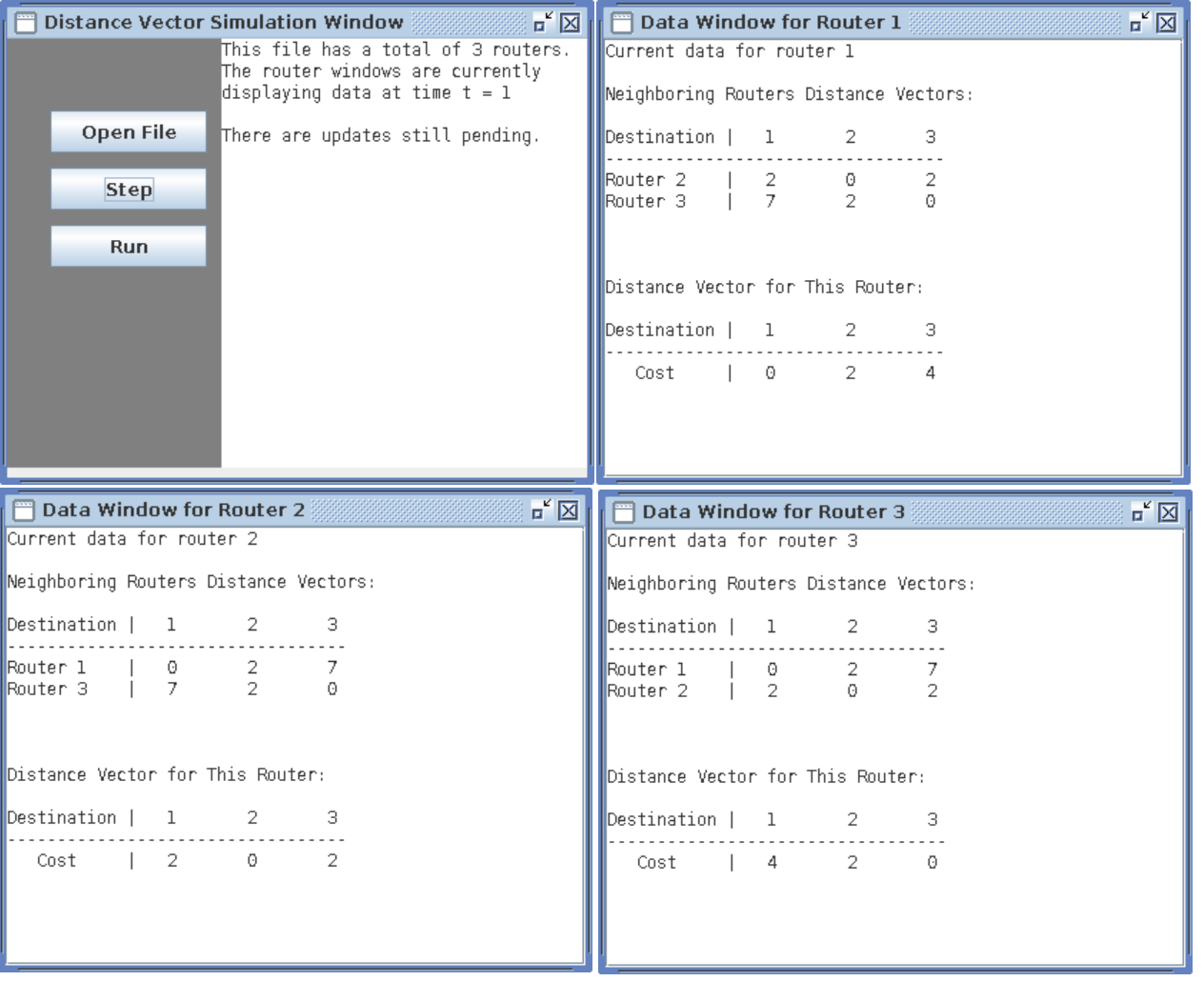
Window Updates at Time = 1
Once the step button is clicked, the windows will update as shown above. As you can see, each router will now display the distance vectors of any routers that are directly connected to it. In this case, all routers have updated data because all routers in the system are directly connected. (All 16 values have been updated) You can also see that the main window now shows that the time value is 1. It also shows that that there are still updates pending. In this case, you can see that the reason for this is because router 1 and 3 have updated their own distance vectors to each other with a cost of 4. Instead of using the directly connected route with a cost of 7, the new cost to get to each other is four via router 2. They have updated their own distance vectors, but they still need to transmit that new data to the other two routers.
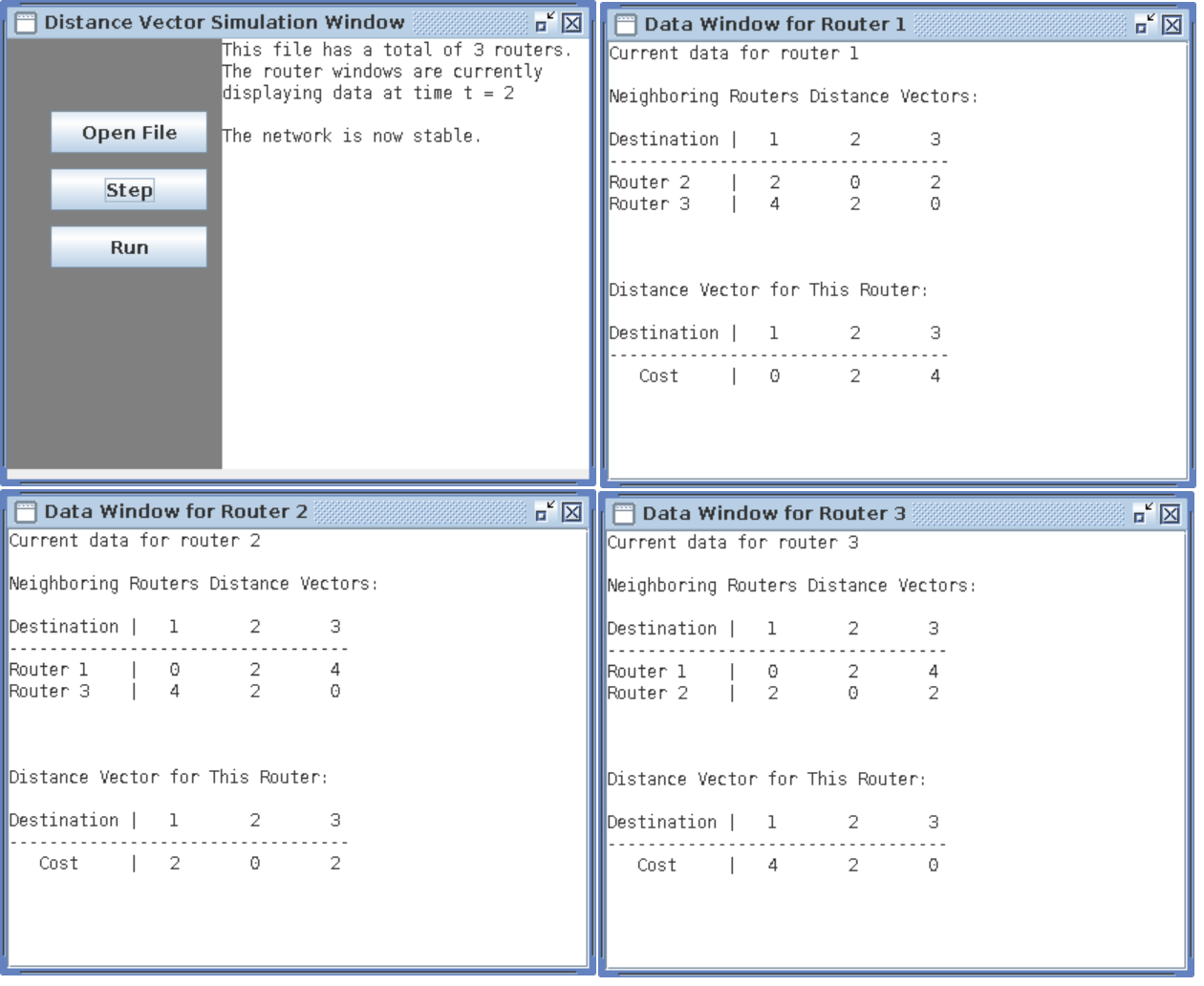
Window Updates at Time = 2
Finally, once the step button is clicked again, the windows will update as shown above. You can see that the updated vectors for routers 1 and 3 are now reflected on all router windows. The main window has also updated with a time value of 2, meaning two iterations were required. There is also a message to indicate that the system is now stable.